[ newsletter ]
Stay ahead of Web3 threats—subscribe to our newsletter for the latest in blockchain security insights and updates.
Thank you! Your submission has been received!
Oops! Something went wrong. Please try again.
Learn what is a sniffer and how network monitoring tools work. Understand packet interception, network analysis, and their uses in troubleshooting and security.


Ever wonder what's really going on with your computer network? It's like a busy road where data travels in little chunks called packets. Sometimes, you need to see exactly what's happening, maybe to fix a problem or check if everything's secure. That's where a network sniffer comes in. Think of it as a detective for your network, listening to the conversations to understand what's being said and by whom. This article will break down what a sniffer is and why it's used.
Ever wonder what's really going on behind the scenes on your computer network? It's a bit like a busy highway, with data packets zipping back and forth constantly. Sometimes, you just need to see exactly what's happening, maybe to fix a glitch or to make sure everything's secure. That's where a network sniffer comes into play. Think of it as a digital detective for your network, listening in on all the conversations to figure out what's being said and by whom.
A network sniffer, sometimes called a packet sniffer or protocol analyzer, is basically a tool that lets you get a really close look at network traffic. It's not just about seeing who's talking to whom, but also understanding how they're communicating and what information is being exchanged. Network administrators and security folks use these tools to keep tabs on how their network is performing, fix problems when they pop up, and generally make sure everything is running smoothly and safely. It's a way to get a granular view of network activity, which is pretty important for managing complex systems.
So, what exactly does a network sniffer do? At its heart, it's like a digital eavesdropper for your network traffic. It sits there and watches all the data packets zipping back and forth between devices. Think of it like a mail carrier who not only delivers the mail but also opens every single envelope to see what's inside. This allows for a really detailed look at what's happening on the network. The first big job of a sniffer is to grab these data packets. When a sniffer is connected to a network, it can be set up to capture all the traffic passing by, not just the data meant for its own computer. This is often done by putting a network card into a special mode, called "promiscuous mode." Normally, your network card only pays attention to data meant for your computer. In promiscuous mode, it becomes a bit of a busybody, listening to all the traffic passing by on that part of the network. This ability to intercept packets is what makes tools like Wireshark so useful.
Network sniffing is the act of intercepting and examining these data packets as they travel. Imagine a busy highway where cars (packets) are constantly moving. Sniffing is like setting up a checkpoint to pull over some of those cars and inspect their contents. This process gives a very detailed look at network activity, almost like reading every single letter sent through the mail on a particular street. It's a powerful way to understand the flow of information, identify bottlenecks, or detect unusual activity that might signal a problem or a security threat. The raw data captured is then processed to make it understandable.
Here's a breakdown of the basic steps involved:
This detailed inspection allows for a deep dive into network communications, revealing information that would otherwise remain hidden within the digital ether. It's a fundamental technique for anyone needing to understand network behavior at a granular level.
So, how does a network sniffer actually do its thing? It's not magic, but it can feel like it when you see the detailed information it pulls out of thin air. At its core, a sniffer works by tapping into the data flow at a low level, often at what's called the Data Link Layer. Think of it like being able to read every single postcard that passes through a specific mailbox, not just the ones addressed to you.
This is where the sniffer starts its work. It uses special software to tell your computer's network adapter to go into what's called "promiscuous mode." Normally, your network card is pretty polite; it only pays attention to data packets specifically sent to your computer's address. But in promiscuous mode, it becomes a bit of a digital eavesdropper, listening to all the data packets that are zipping around on that particular part of the network. It's like opening up the entire postal route for inspection.
Here's a quick rundown of how it grabs those packets:
Once the sniffer has a bunch of raw data packets, they're not exactly easy to understand. They're just a jumble of binary code. This is where the decoding part comes in. The sniffer's software takes that raw data and translates it into something a human can actually read and make sense of. It looks at the different parts of each packet, like the headers that contain information about the source, destination, and type of data, and then presents it in a clear format.
This decoded information typically includes:
The process of decoding is vital because raw network traffic is just a stream of bits and bytes. Without a decoder, a sniffer would just be collecting noise. It's the decoder that turns that noise into meaningful information about network conversations.
After capturing and decoding, the sniffer moves on to analysis. It examines the stream of decoded packets to identify patterns, spot anomalies, or troubleshoot issues. This could involve looking for:
By analyzing this traffic, network administrators can get a really clear picture of what's happening on their network, helping them fix problems, optimize performance, and keep things secure.
So, what exactly do people use these network sniffers for? Turns out, they're pretty handy tools for a bunch of different jobs, especially if you're involved with keeping computer networks running smoothly or making sure they're secure. It's not just about spying on data, though that's a part of it. Think of them as a mechanic's diagnostic tool, but for your network.
When your internet connection is acting up, or a specific application is running slower than molasses, a sniffer can be a lifesaver. It lets you see exactly what data is moving around, where it's going, and if there are any traffic jams. You can spot devices hogging all the bandwidth or identify weird communication patterns that shouldn't be happening. This helps IT folks figure out the root cause of problems without just guessing.
Sometimes, a network problem isn't obvious. It might not be a complete outage, but just a slow, frustrating experience for users. A sniffer can reveal subtle issues, like a misconfigured device or an application sending way too much unnecessary data, which you'd never find otherwise.
This is a big one. Sniffers are used to keep an eye out for bad actors. They can help detect suspicious activity, like someone trying to break into systems or unusual data leaving the network. By analyzing the traffic, security professionals can get an early warning about potential breaches or malware infections. It's like having an extra set of eyes watching the digital highway for anything out of the ordinary.
Sniffers are invaluable for spotting unauthorized access attempts and unusual data transfers that could indicate a security compromise. They provide a detailed look at network conversations, allowing for the identification of malicious patterns that might otherwise go unnoticed.
For folks building software, sniffers are incredibly useful. Developers can use them to watch how their applications talk to each other over the network. This helps them make sure the communication is happening correctly and that no data is getting lost or misinterpreted. It's a way to test and fix issues before the application even gets out to users, saving a lot of headaches down the line.
Essentially, sniffers give developers a clear view into the unseen conversations happening between software components, making the development process much smoother.
When you're looking at network traffic, there are a couple of main ways sniffers go about their business: passive and active. Think of it like listening in on a conversation versus trying to get someone to repeat themselves so you can hear better. Each has its own place, depending on what you're trying to achieve and the kind of network you're dealing with.
Passive sniffing is pretty straightforward. The sniffer just sits there and listens. It doesn't send anything out onto the network itself. This is easiest on older networks that used hubs, where all data was sent to every single device connected. Because it's not actively doing anything to the network, it's really hard for anyone to detect that it's happening. It's like being a fly on the wall.
On a switched network, a passive sniffer typically only sees traffic addressed directly to its own network interface. To capture more, you usually need the network administrator to set up something like port mirroring.
Active sniffing is a bit more hands-on. It actually sends out packets onto the network. The goal here is to trick the network, especially a switched network, into sending traffic to the sniffer's machine that wasn't originally intended for it. This can involve techniques like ARP spoofing, where the sniffer pretends to be another device, or MAC flooding, which can make a switch act like a less-smart hub.
Sniffing traffic on a wired network is quite different from doing it over Wi-Fi. The technology and the challenges change significantly.
Wired Sniffing:
Wired Sniffing Setup Example:
Wireless Sniffing:
Capturing wireless traffic often means dealing with encryption. Unless you have the network key, the packets you grab are unreadable, which is a good thing for security but a hurdle for legitimate monitoring.
Network sniffers are powerful tools, and like any powerful tool, they can be used for good or for bad. It's a bit like having a really good magnifying glass – you can use it to find a tiny, lost screw, or you could use it to peek into someone's private notes. When we talk about security, this dual nature is really important to keep in mind.
On the good side, sniffers are indispensable for cybersecurity professionals. They're used to keep networks safe and running smoothly. Think of them as the network's doctor, constantly checking its pulse and looking for any signs of trouble. They help IT folks figure out why the internet is slow, spot when someone's trying to sneak in, and generally keep an eye on what's happening. It's all about understanding the normal flow of traffic so you can quickly spot anything that's out of the ordinary. This proactive monitoring is key to maintaining a secure digital environment.
Here's how they help:
Now, for the flip side. Because sniffers can capture data packets, they can also be used by attackers to steal information. If the data isn't encrypted, a sniffer can grab things like usernames, passwords, and other sensitive details. This is especially risky on public Wi-Fi networks where security is often weaker. An attacker could sit on the same network and just watch the traffic go by, picking up anything they can use. It's why using secure connections is so important.
When network traffic isn't protected by encryption, a sniffer can essentially read the contents of communications. This means private messages, login credentials, and other confidential data can be exposed to anyone with the right tools and access.
This is where encryption comes in as a lifesaver. Protocols like HTTPS (for websites) and TLS/SSL scramble your data so that even if a sniffer captures it, it just looks like gibberish. To make sense of it, the attacker would need the decryption key, which is usually only known by the sender and receiver. For wireless networks, using strong encryption like WPA2 or WPA3 is a must. Without it, capturing data becomes much easier. So, while sniffers can be a security risk, encryption is a strong defense against their misuse. It's a constant back-and-forth, but encryption is a big win for keeping your data safe.
Here's a quick look at how encryption helps:
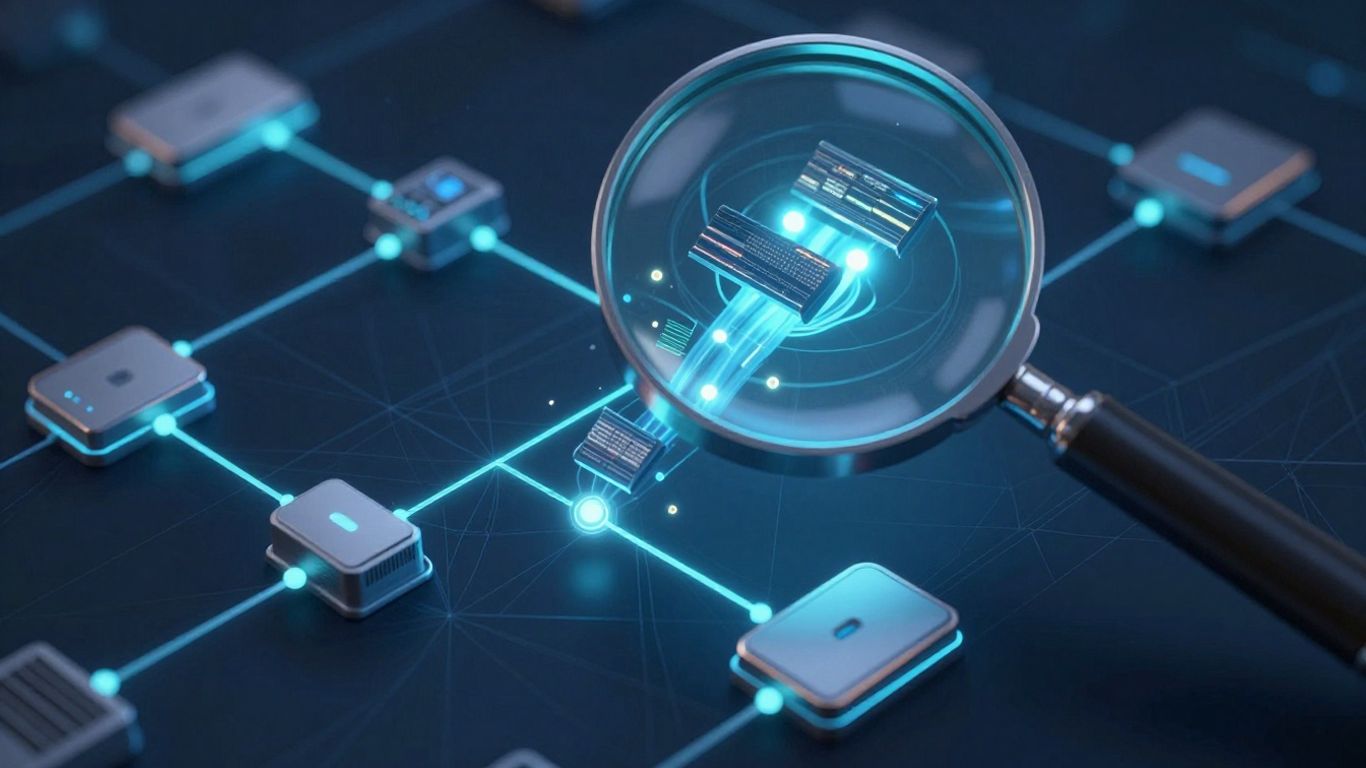
So, you've decided you need a network sniffer. That's great! But with so many options out there, picking the right one can feel a bit overwhelming. It's not just about grabbing the first free tool you find; you really need to think about what you're trying to achieve. The best tool for you really depends on your specific goals.
If your main goal is to keep an eye on who's hogging the network bandwidth, you'll want a tool that makes it easy to spot those bandwidth hogs. Look for features that let you filter traffic by application or user. This way, you can quickly see if someone's streaming a ton of videos or downloading massive files during work hours. Some tools are better at showing you this kind of data at a glance, which is super helpful when you're trying to figure out why the network is crawling.
When security is your top priority, you need a sniffer that's like a vigilant guard dog. You're looking for something that can flag suspicious activity, detect unusual patterns, and alert you to potential threats before they become a big problem. The best security-focused sniffers can identify anomalies in network traffic that might indicate an intrusion or malware. Think of it as having an early warning system for your network. Some tools are designed to work with other security systems, making your overall defense stronger.
Keeping your network running smoothly is key, and the right sniffer can help a lot with that. You'll want a tool that can help you pinpoint bottlenecks and diagnose performance issues. Features like detailed protocol analysis and the ability to reconstruct data streams can be incredibly useful for troubleshooting. It's about getting a clear picture of what's happening on the network so you can fix problems before they impact users. Having a tool that can present this information in an understandable way, maybe with customizable dashboards, makes a big difference when you're trying to explain network health to others.
When selecting a tool, consider how easy it is to set up and use. A complex interface can slow down your troubleshooting process, no matter how powerful the underlying features are. Sometimes, simpler is better, especially if you're not a seasoned network guru.
Ultimately, the best network sniffer for you depends on your specific needs. Whether you're trying to manage bandwidth, beef up security, or just keep things running smoothly, there's a tool out there that can help. It's worth taking the time to compare different options to find the best packet sniffer tool for your situation.
So, we've looked at what network sniffers are and how they work. Think of them as little digital detectives for your network traffic, watching over the data packets as they zip around. They can be super helpful for keeping things running smoothly, figuring out why the internet is slow, or even checking if your security is up to par. But, like any tool, they can be used for good or bad. It's important to remember that while sniffers are great for network admins and security folks, they can also be used by people with less-than-good intentions, especially on open Wi-Fi. That's why keeping your network traffic encrypted is always a smart move. Ultimately, understanding sniffers gives you a better picture of how your network operates and the importance of keeping it secure.
Imagine your computer network is like a busy road where information travels in small packages called data packets. A network sniffer is like a special tool, either a program or a device, that lets you watch and record these packets as they go by. It's like having a detective that can see all the messages passing between computers and understand what they're saying.
When data moves across a network, it's broken down into tiny pieces called packets. A sniffer is designed to catch these packets as they travel. Once it has a packet, it can look inside to see where it came from, where it's going, and what kind of information it's carrying. It's like opening up mail to see the sender, receiver, and the letter inside.
Network helpers, like IT staff, use sniffers for many useful reasons! They can help find out why the internet is slow, fix problems when things aren't working right, and check if the network is safe from intruders. It’s a great way to get a clear picture of what’s happening on the network to keep everything running smoothly.
Yes, unfortunately, they can. If someone uses a sniffer on a network that isn't protected with a strong password or secret codes (like encryption), they might be able to steal private information, such as passwords or personal details. This is why it's really important to keep networks secure.
Sniffing is like reading every single word in a letter, examining all the tiny details. Other ways of looking at network activity might just give you a summary, like knowing who sent a message and when, but not what was actually written inside. Sniffing gives you the most detailed view possible.
Yes, there are! Some sniffers are 'passive,' meaning they just listen quietly without being noticed, like a fly on the wall. Others are 'active,' and they might send out little signals to gather more information. Also, some work on networks connected by cables, while others are designed for wireless networks like Wi-Fi.